|
|
|
|
|
|
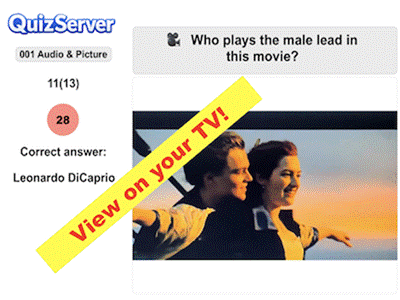
Quiz on TV / Big screen |
|
|
|
|
|
|
|
There are 2 main ways to
display the Quizzes on |
|
|
a TV/Big screen, either by using HDMI or Air
Play. |
|
|
HDMI => Needs an
adapter for wireless or cable. |
|
|
Air Play => Drag down
the upper right corner of |
|
|
your iPhone/iPad and tap
the icon that shows |
|
|
2 screens and choose your
TV (must have AirPlay). |
|
|
On the TV a 'familiar' blue image will appear |
|
|
|
and when you press 'Run
Quiz!', the Quiz will |
|
|
be shown on TV with
sound, images and videos! |
|
|
This is also great for
those who are not participating |
|
|
in the Quiz! |
|
|
|
|
|
|
|
|
To Menu |
|
|
|
Updated 15.03.2026 |
|
|
|
|
|
|
|
|